Implemented
Storage
Construct and manage permanent account-wide Storage for household goods and resources.
Overview
Territorial Storage House is permanent account-global storage. Once constructed it has 75 slots and is shared by every character on the account.
Construction
25 Bucks and the following materials must be present in the active character's Inventory. Construction consumes them atomically.
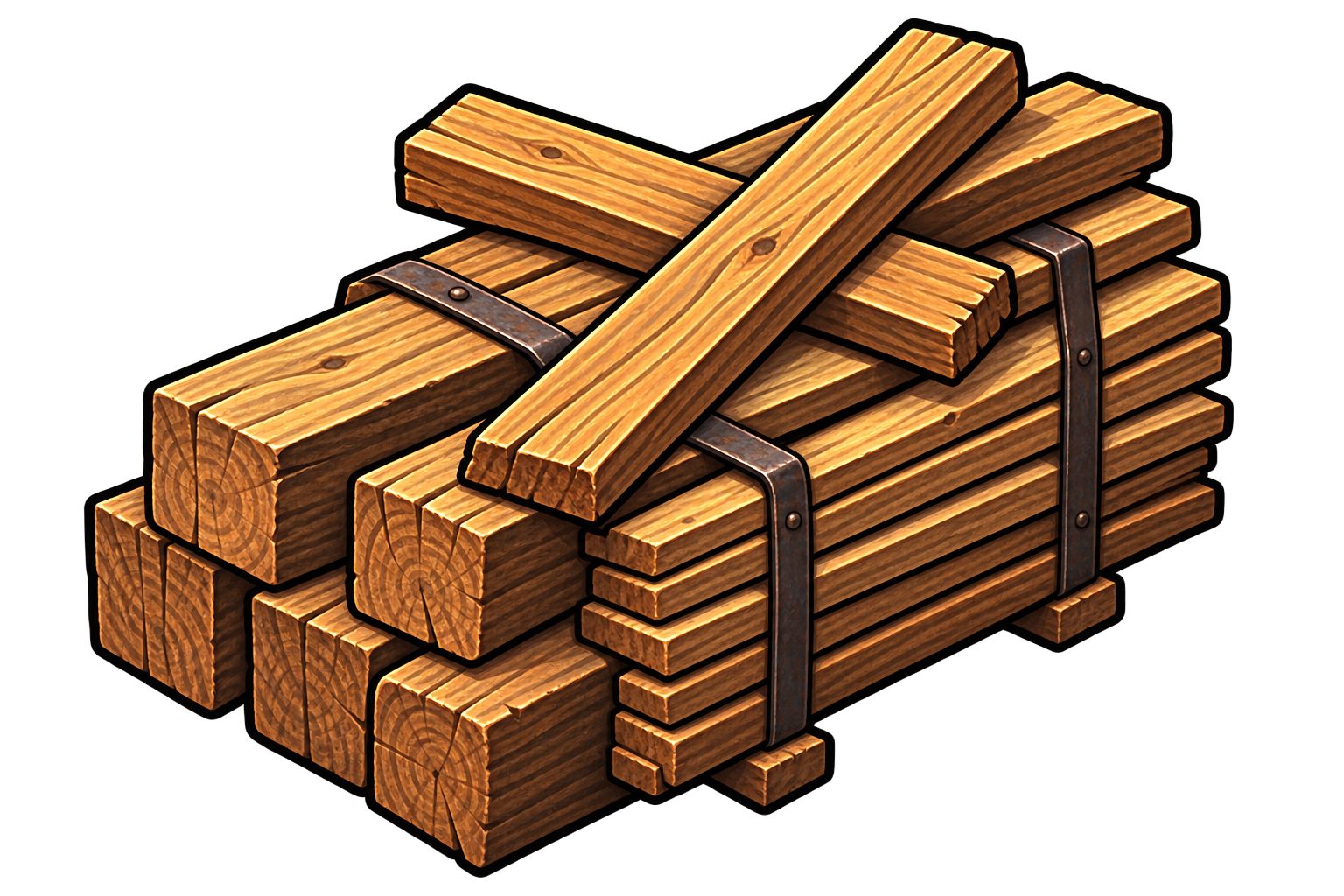
- Lumber: 120
- Stone: 80
- Bricks: 150
- Iron: 25
- Nails: 100
- Glass: 8
- Lime: 30
Slot Rules
Each individual item and each non-empty resource stack uses one Storage slot. Adding quantity to an existing stack does not require another slot. A new stack or individual item is rejected when all 75 slots are used.
Transfers
Resources and eligible items can move between Storage and a selected account character. Destination Inventory capacity, ownership, Tool uniqueness, equipment, and active-work locks are enforced. Transfers are server-authoritative and replay-safe.
Economic Destinations
After construction, State Warehouse materials, State Farm seeds, harvested crops, and Marketplace commodity deliveries use Storage. Construction and repair recipes consume the authoritative stored resources where required.
Provisions
Supported harvested, livestock and crafted foods in Storage can be prepared into Household Provisions. Seeds are never food and cannot be converted.
Before Construction
Before Storage exists, supported State and Marketplace flows use the active character's Inventory. Constructing Storage does not automatically move remaining possessions into it.
Capacity Example
If all 75 slots contain distinct items or stack types, a new type cannot be delivered. Additional units of a compatible existing stack do not consume another slot. Transactions validate destination capacity before committing payment or removing source goods.
Equipment through the existing Items Worn slots
Combat gear uses Head, Torso, Main Hand, Off Hand, Legs and Feet. Trade > Equipment Dealer displays the same player listings as Marketplace > Equipment. Choose Account Storage or an owned character Inventory when buying. Use the Equipment filter to find weapons and armor in either view. Professional job tools remain Inventory tools.
- In Storage, select the item, select the owned character, then Equip to Items Worn. This works directly without a spare backpack slot.
- Alternatively, select carried gear in Character > Inventory and Equip it. Profile > Items Worn displays the same equipped pieces.
- Meet the item's social rank and weapon discipline requirements. Unequip off-hand gear before using a two-handed weapon; an equipped two-handed weapon blocks an off-hand item.
- Unequipping combat gear returns it to Account Storage when built, otherwise to the backpack. A full destination blocks the move safely.
- Finish an active encounter before changing equipment or skills. Repair requires the character to be free of conflicting physical work. Listed equipment cannot be equipped, repaired or moved until the listing is cancelled.
Workshop goods in existing household systems
Crafted products use the existing Storage, Provisions, Livestock and Marketplace controls. Workshop stock must first leave its supply room; it is not automatically available to the household.
- Wheat Flour: 3 Provisions per unit when prepared from Account Storage.
- Cornmeal: 3 Provisions per unit when prepared from Account Storage.
- Preserved Meat: 8 Provisions per unit when prepared from Account Storage.
- Vegetable Rations: 6 Provisions per unit when prepared from Account Storage.
- Tomato Soup: 4 Provisions per unit when prepared from Account Storage.
- Animal Feed adds 3 feed units and Bran adds 1 in either a Coop or Barn. Move them into Account Storage before loading the Feed Bin.
- Wheat Flour is a trade product and cannot become Provisions directly. Salt, Workshop Fuel and Preserving Jars are production inputs.
- The one-time starter 10 Household Provisions are already prepared. They can refill Energy before Storage exists; normal food preparation requires Storage.